
NexusProductivity
Nexus — Give your browser a task. Watch it get done.
An agentic AI workspace inside Chrome. Ask in plain language and Nexus can research, navigate, click, type, and coordinate work across tabs — with visible steps, safety controls, and your choice of AI provider.
V1.0.0ProductivityAI BYOKLocal-first
Interactive · no install needed
Feel it before you add it
Feature tour
What Nexus actually does
Describe the outcome, not the clicks
Give Nexus a task in everyday language and it works through the browser for you — opening and switching tabs, navigating, clicking, typing, and extracting information from the pages you use.
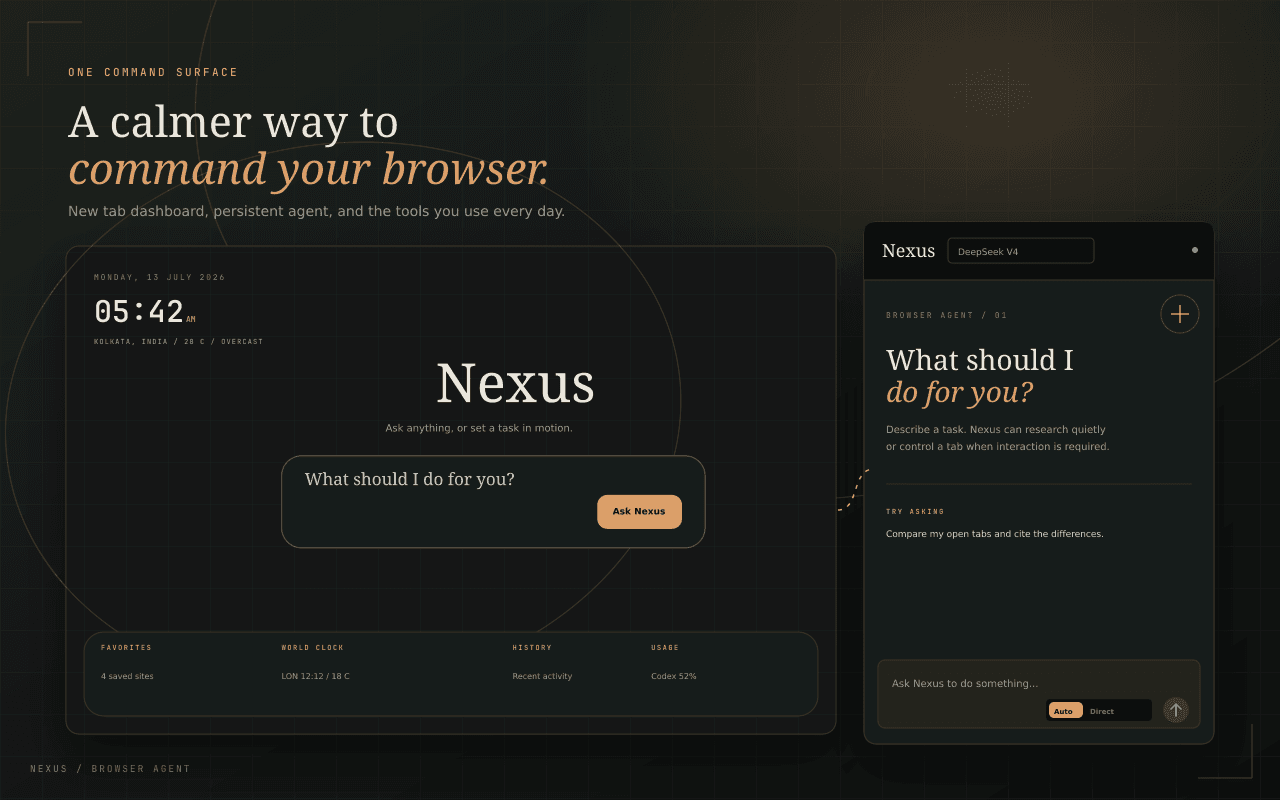
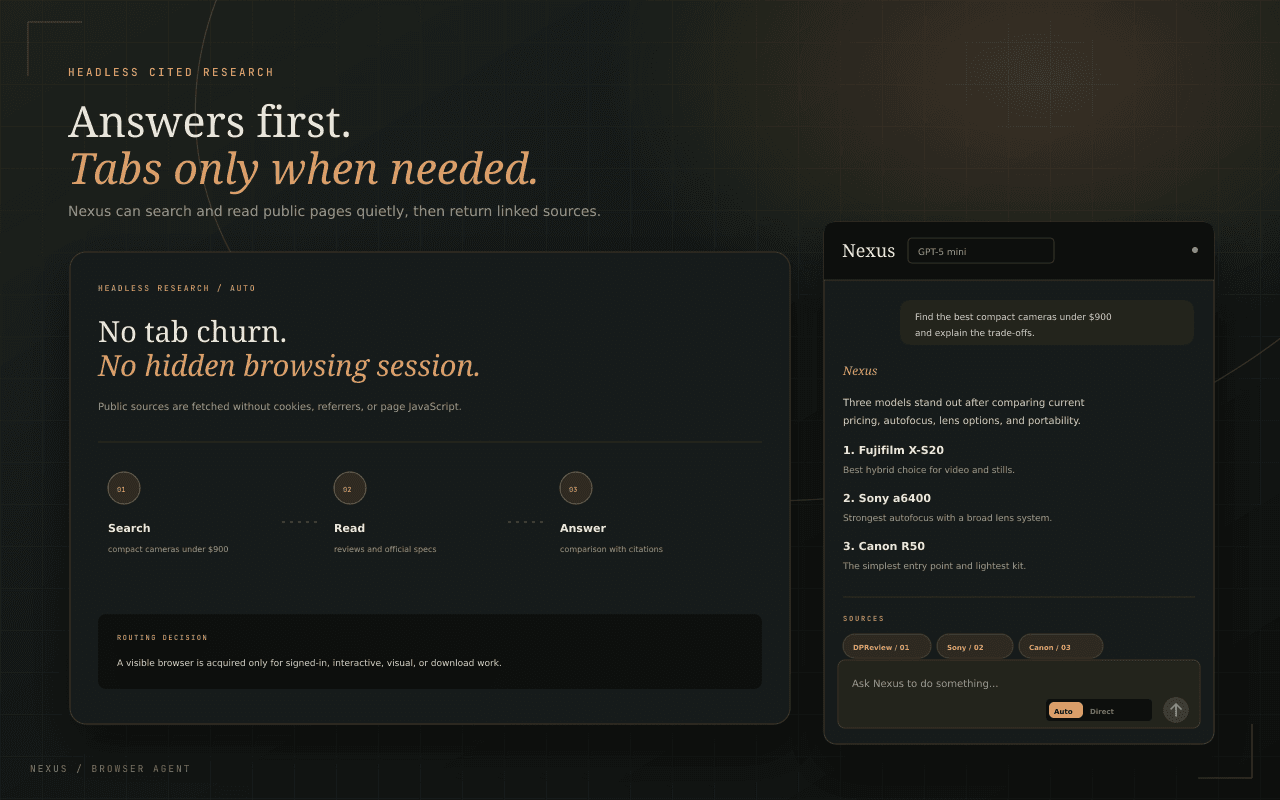
See every step while it happens
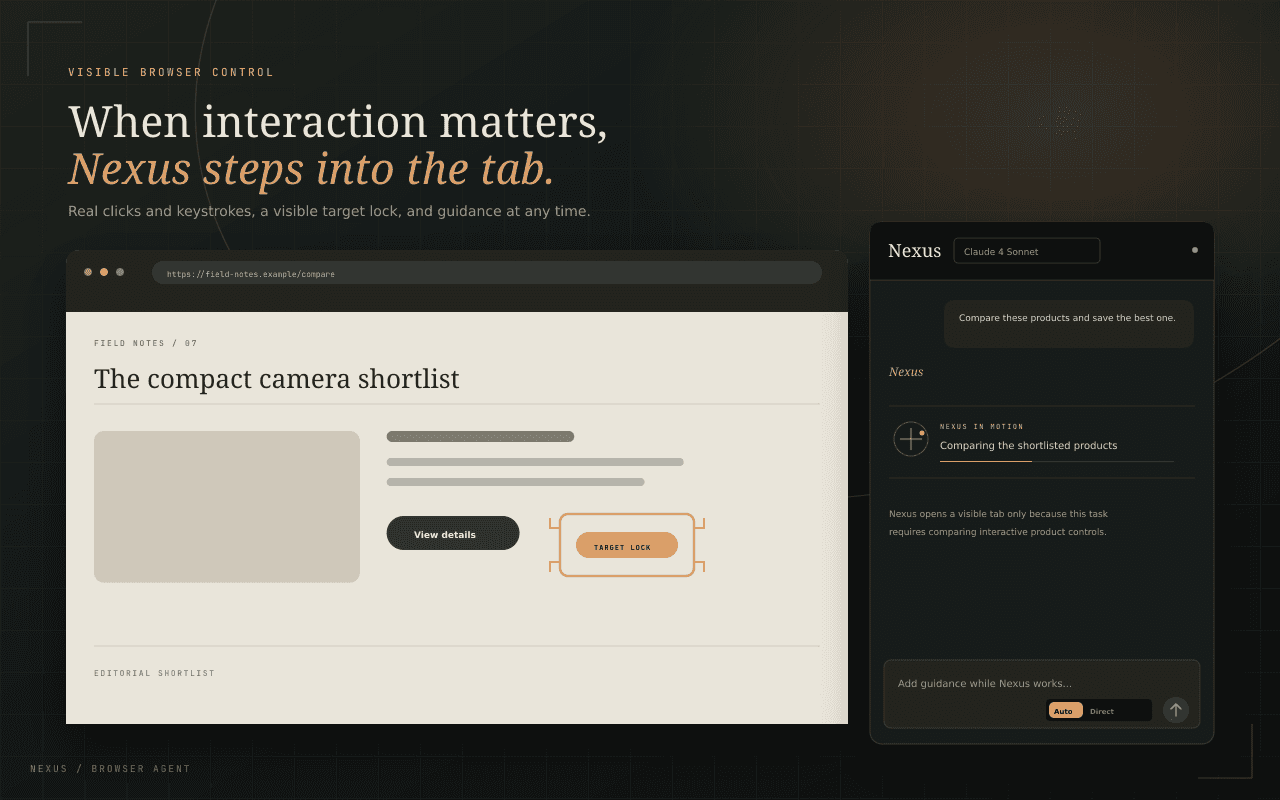
Nexus keeps its work inspectable. A live step trace shows each search, page read, navigation, and browser action, while an on-page indicator makes it clear whenever the agent is controlling a tab.
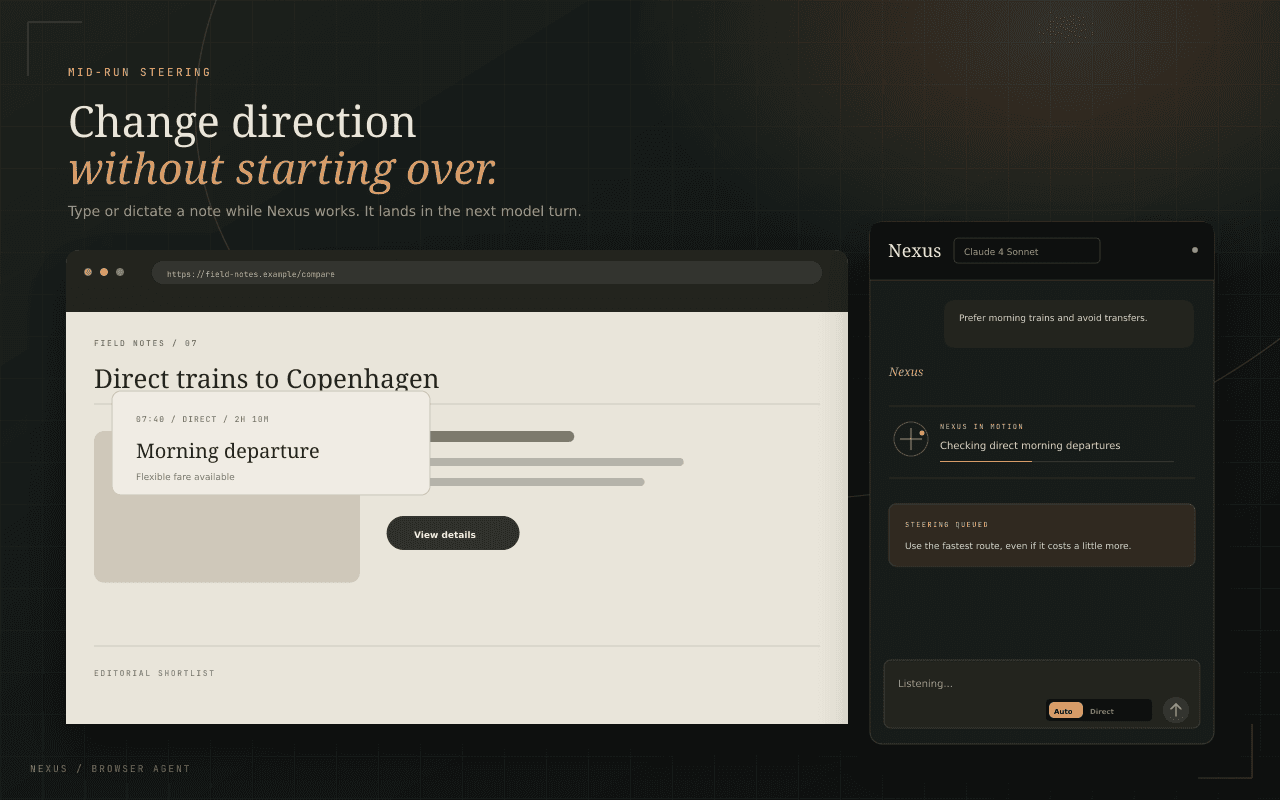
Redirect the work without starting over
Add guidance by typing or speaking while Nexus is running. Your note lands in the next reasoning step, so the agent can adjust course while preserving the task, context, and progress it already has.
Choose the intelligence behind the agent
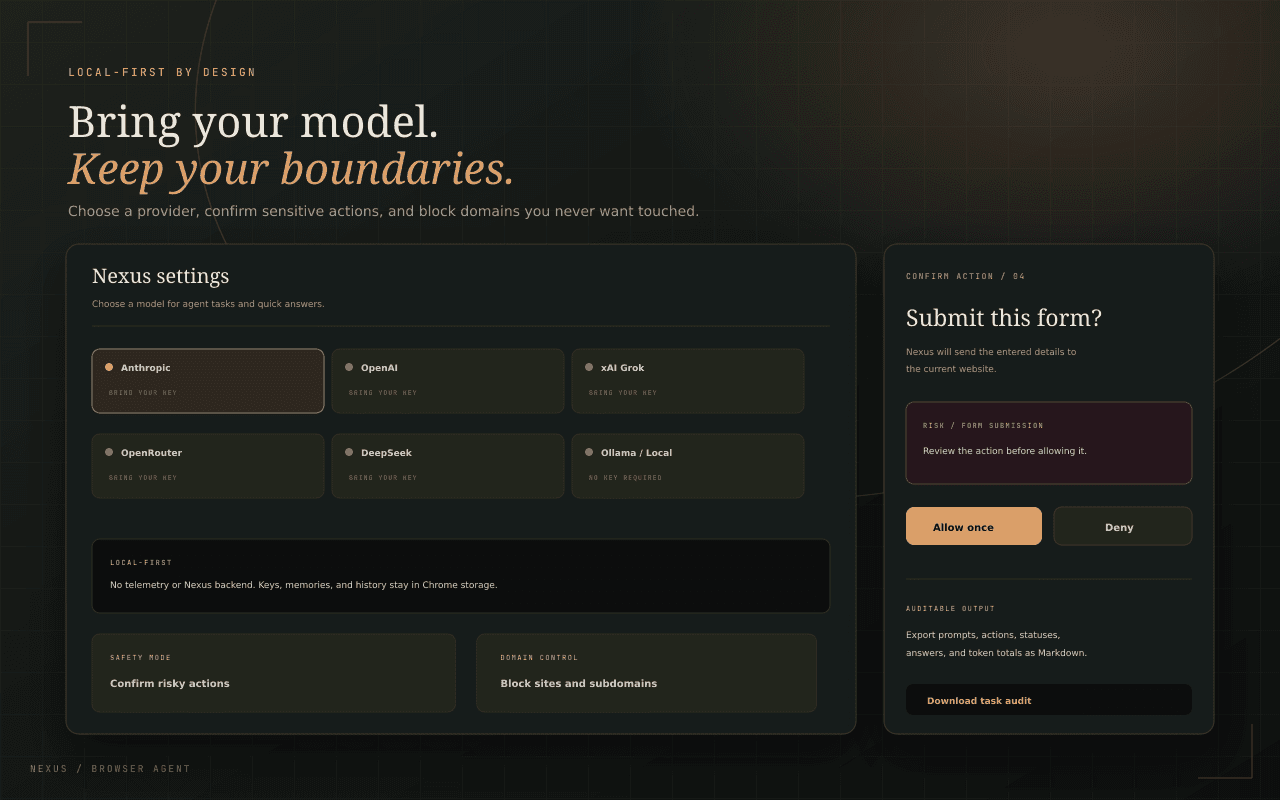
Connect Anthropic, OpenAI, xAI, OpenRouter, DeepSeek, or a local Ollama model. Nexus uses one provider-neutral agent loop, while your credentials remain in Chrome storage on your device.
Automation with deliberate guardrails
Choose how much autonomy Nexus has, require approval for risky or every action, and block sensitive domains outright. When the work is done, export the full task record as a readable Markdown audit log.
Signature details
The details that make Nexus feel like Nexus
Browser agent
Researches and acts across tabs from one prompt.
Visible execution
Live traces and overlays make every action inspectable.
Mid-run steering
Add typed or spoken guidance without restarting.
Multi-provider
Claude, GPT, Grok, DeepSeek, OpenRouter, or Ollama.
Safety controls
Confirmations, domain blocks, and injection defenses.
Audit exports
Download the complete task record as Markdown.
Gallery
Nexus, up close
Privacy · specifically
Not a policy summary — the actual storage behaviour, point by point.
The studio-wide privacy philosophy →API keys, task history, memories, and settings stay in Chrome storage on your device.
Nexus has no analytics, telemetry, account system, or Selfhood backend.
Model requests go directly to the provider you configure; optional weather sends only configured locations to Open-Meteo.
Questions
Asked, answered
Add Nexus to Chrome — it's free.