Local-first tools for Chrome
[ 015 ]
Fifteen Chrome extensions. One seriously capable browser.
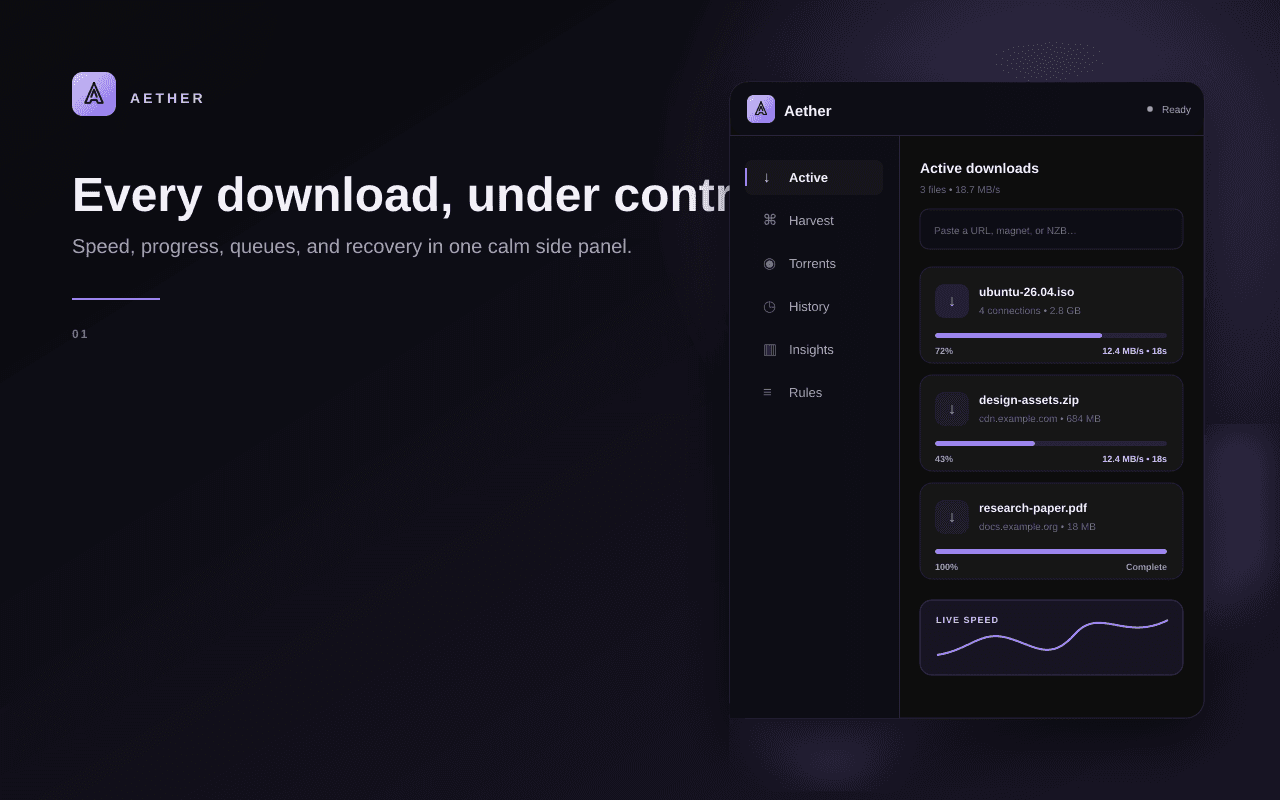
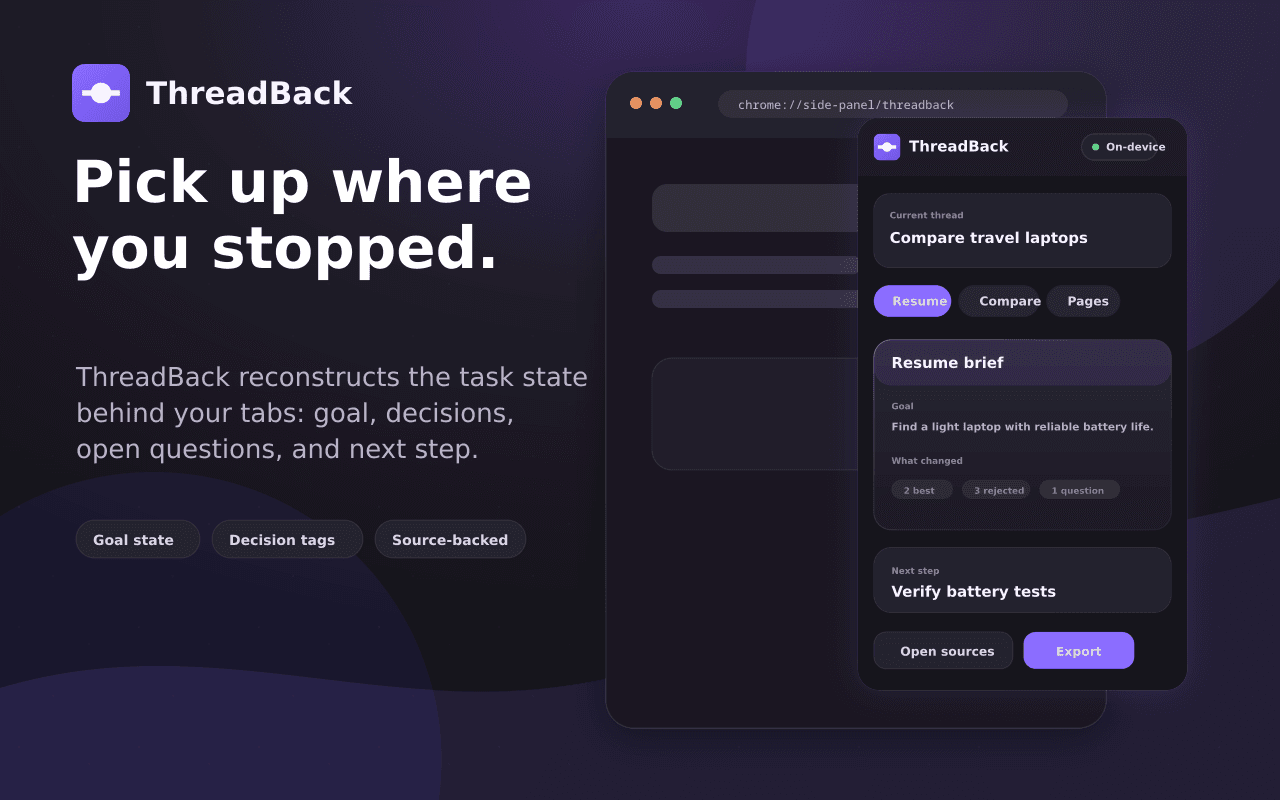
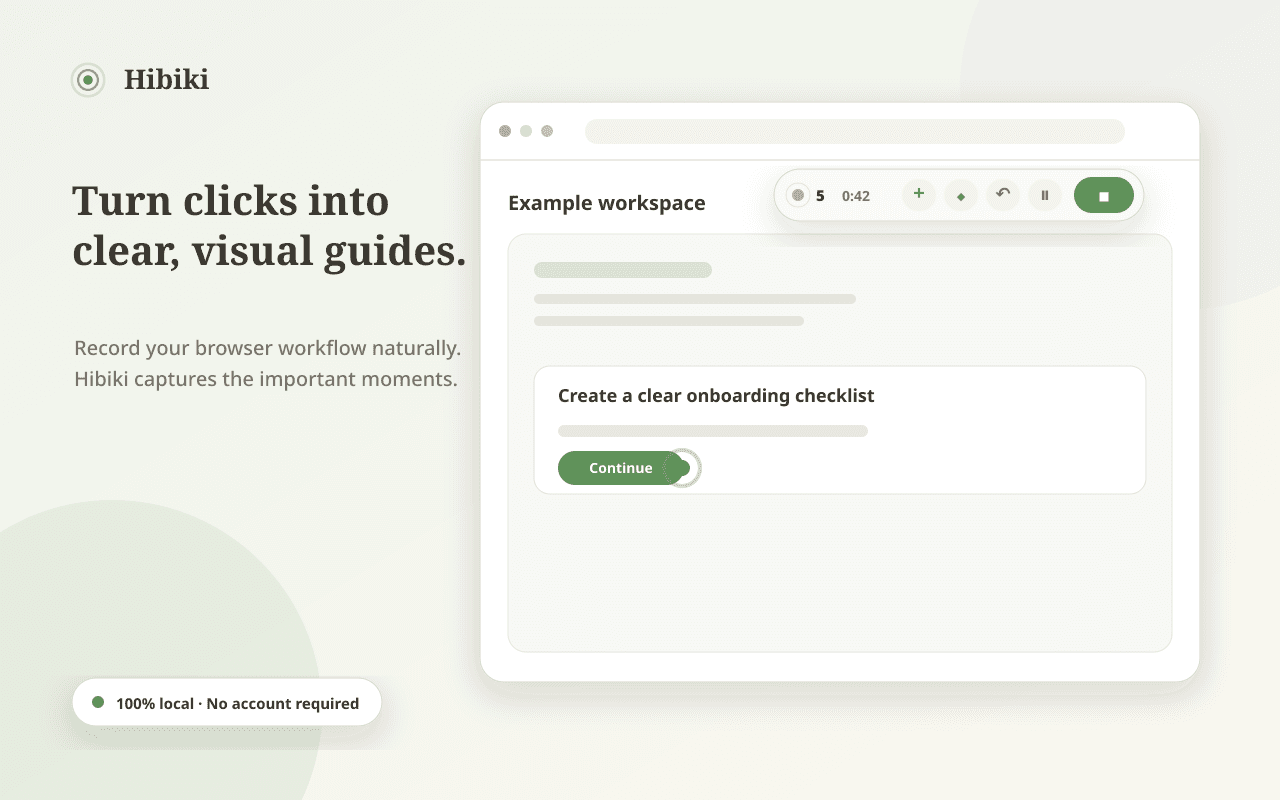
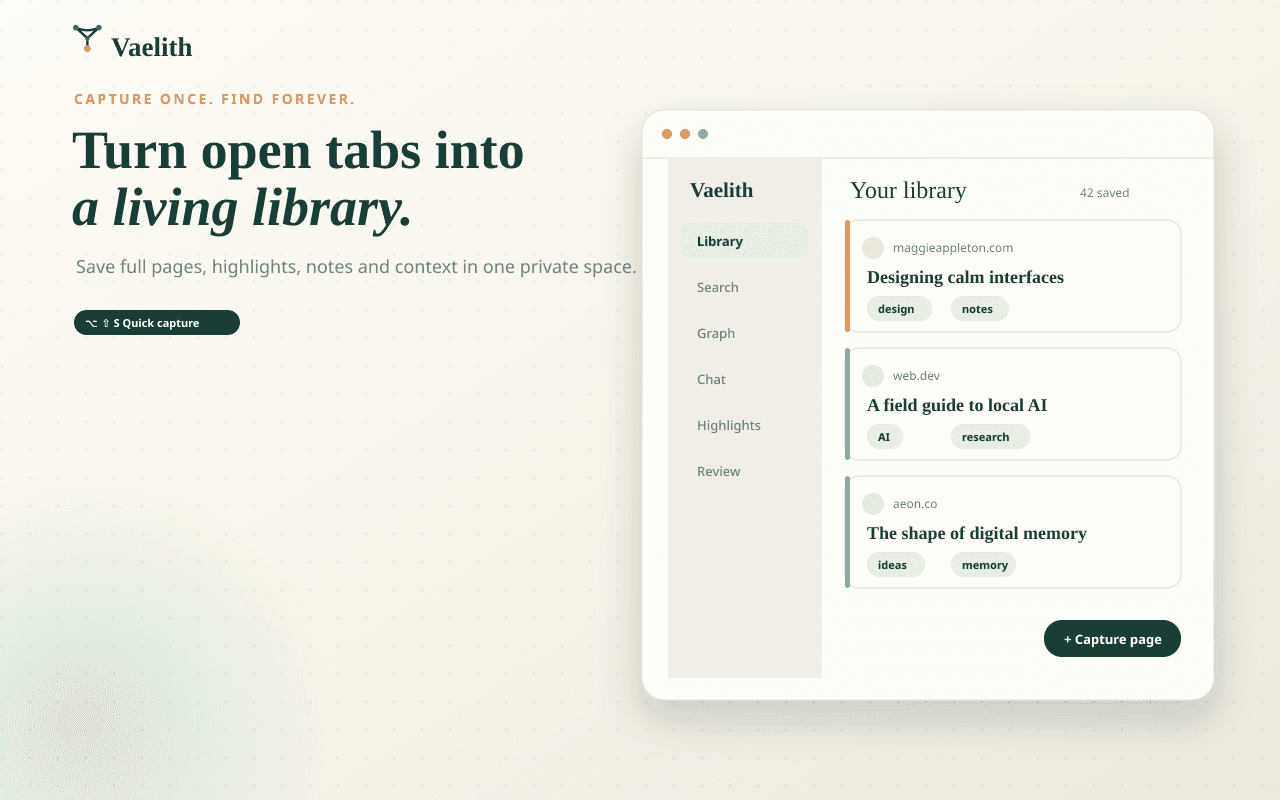
Download faster. Capture and edit screenshots. Resume research. Organize tabs, bookmarks, tasks, and notes. Built for Chrome's side panel and stored locally by default. Now including Kuro for adaptive dark themes, per-site controls, and evening automation.

Shibui
v4.5.0
Photo editing, reimagined.


15
Chrome extensions
8
workflows covered
100%
local-first by default
0
accounts required
Choose your browser upgrade
Compare all15 of 15 extensions shown
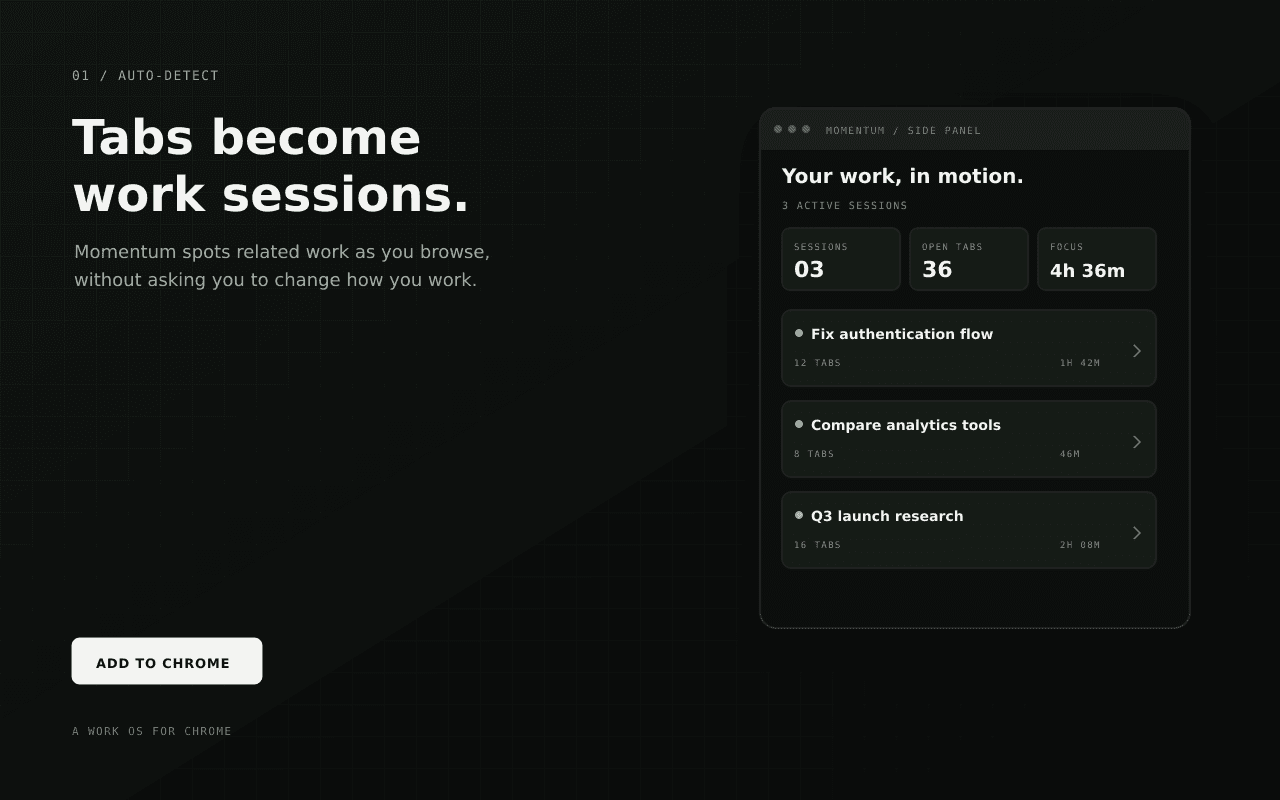
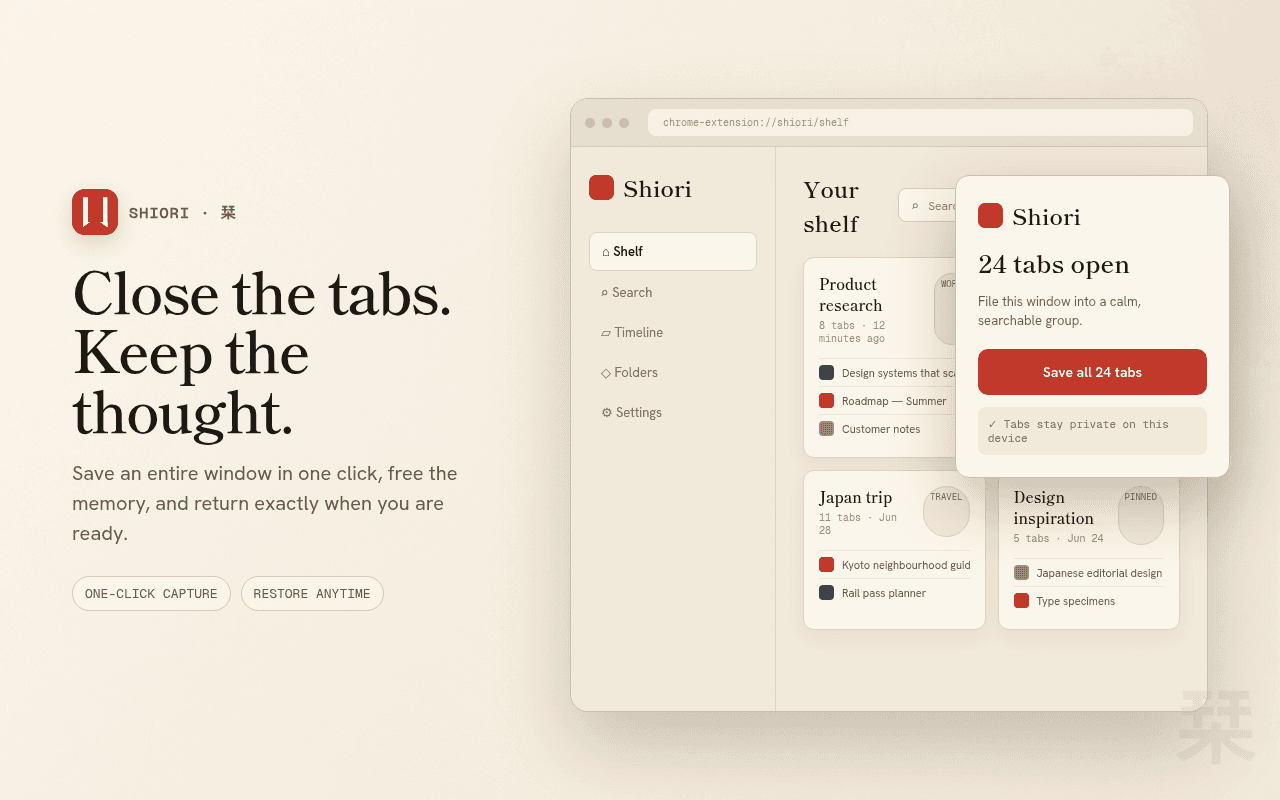
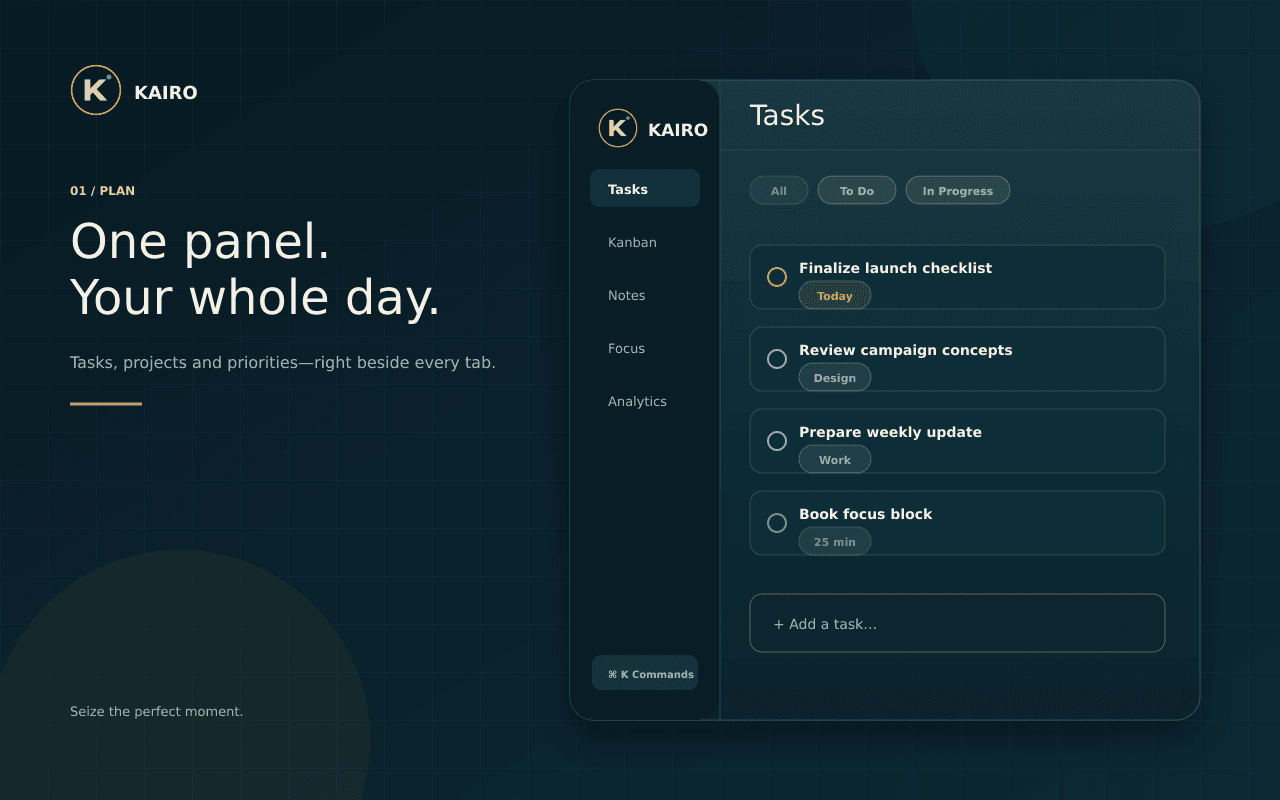
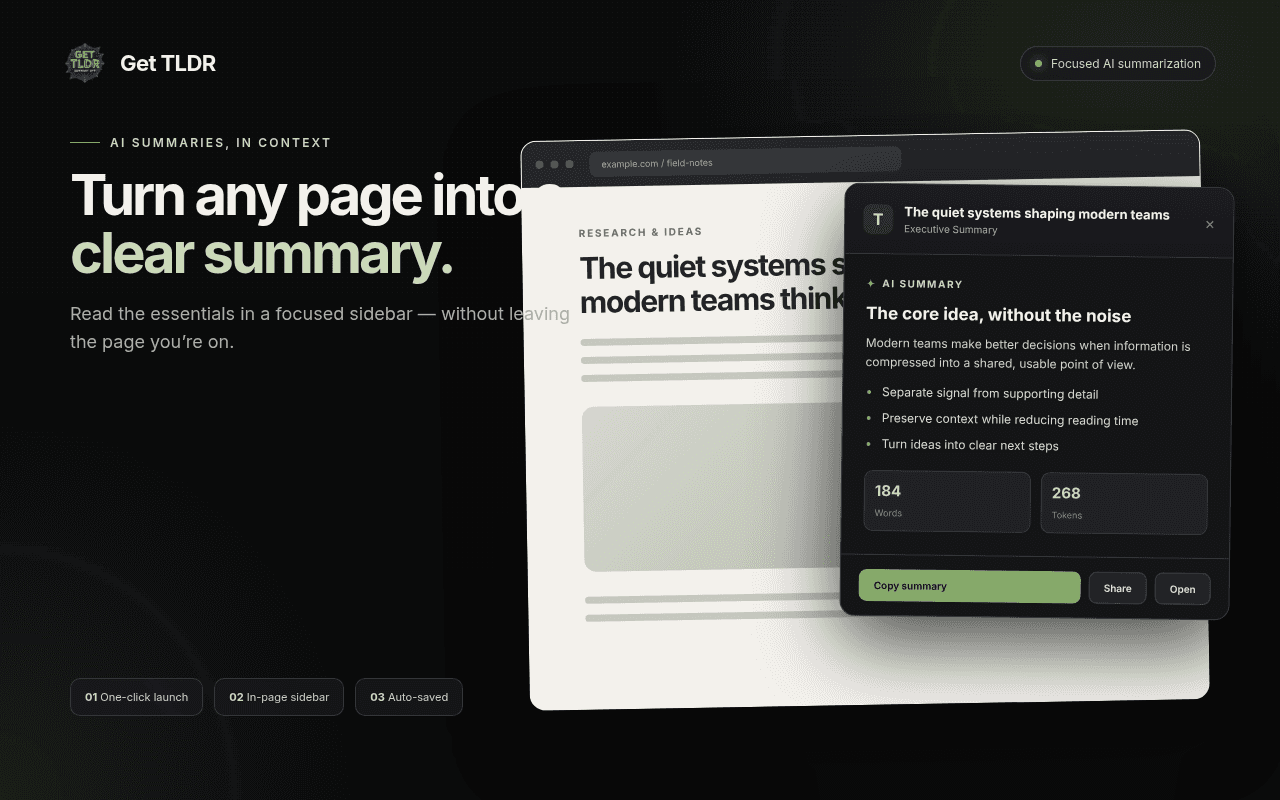
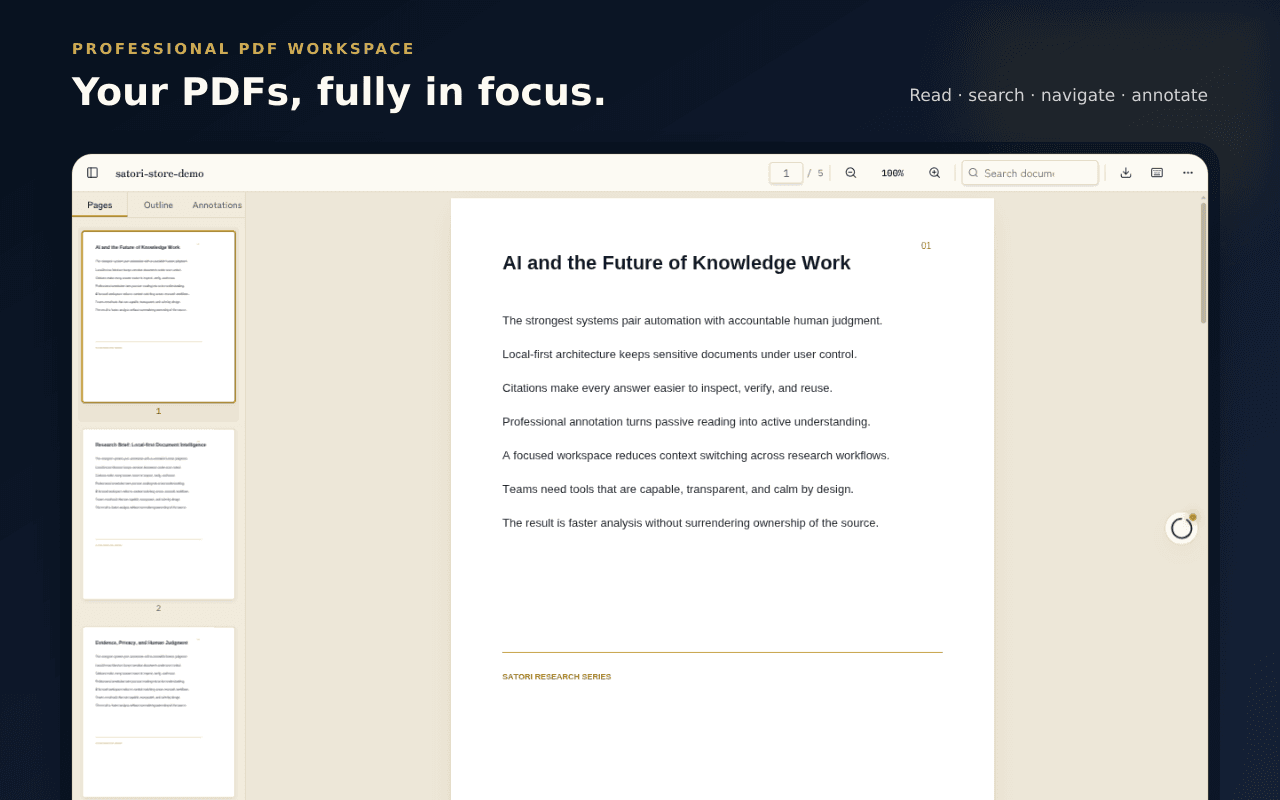
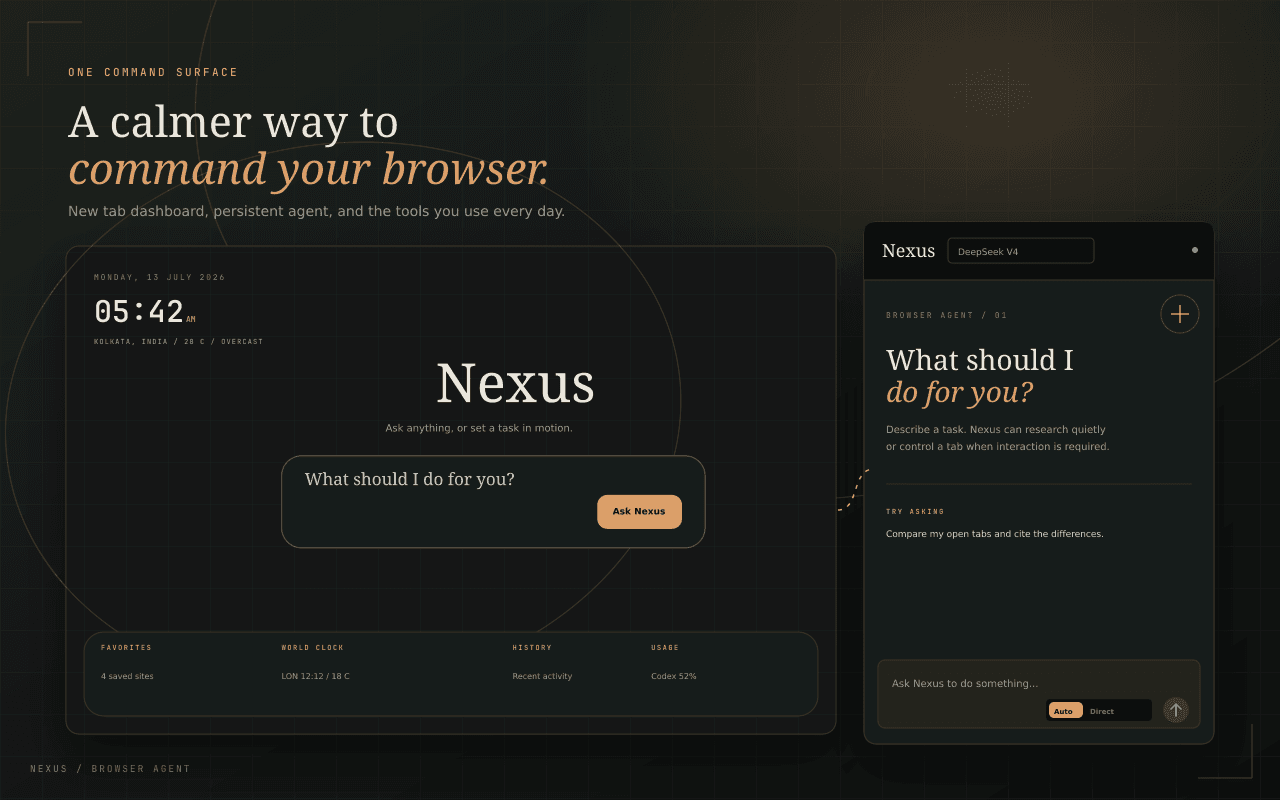
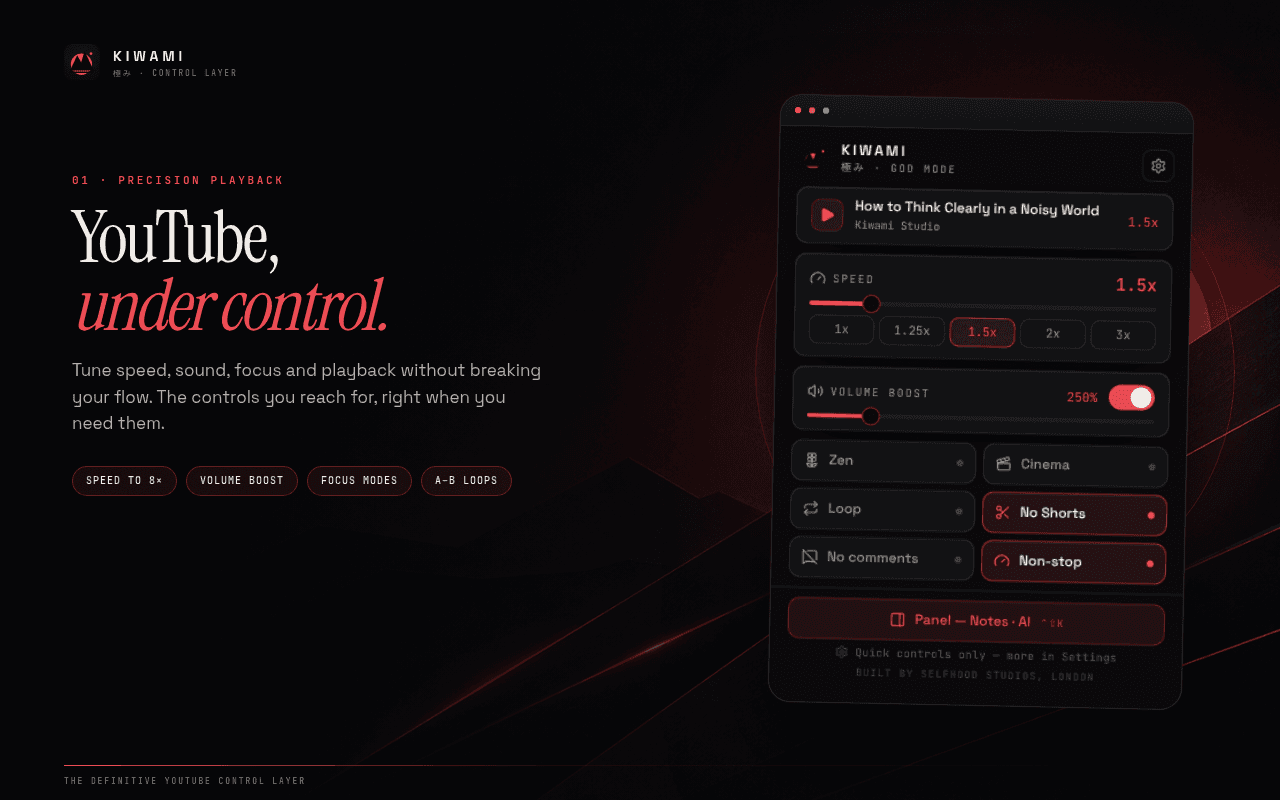
More capability. Less data exposure.
Local by default
Your playback settings, downloads, captures, notes, bookmarks, and sessions stay in browser storage on your device.
Built for the side panel
Full workflows stay beside the page you are using instead of disappearing inside a tiny toolbar popup.
AI on your terms
Use on-device models where available or connect your own provider key when a larger model is worth it.
See every extension in action
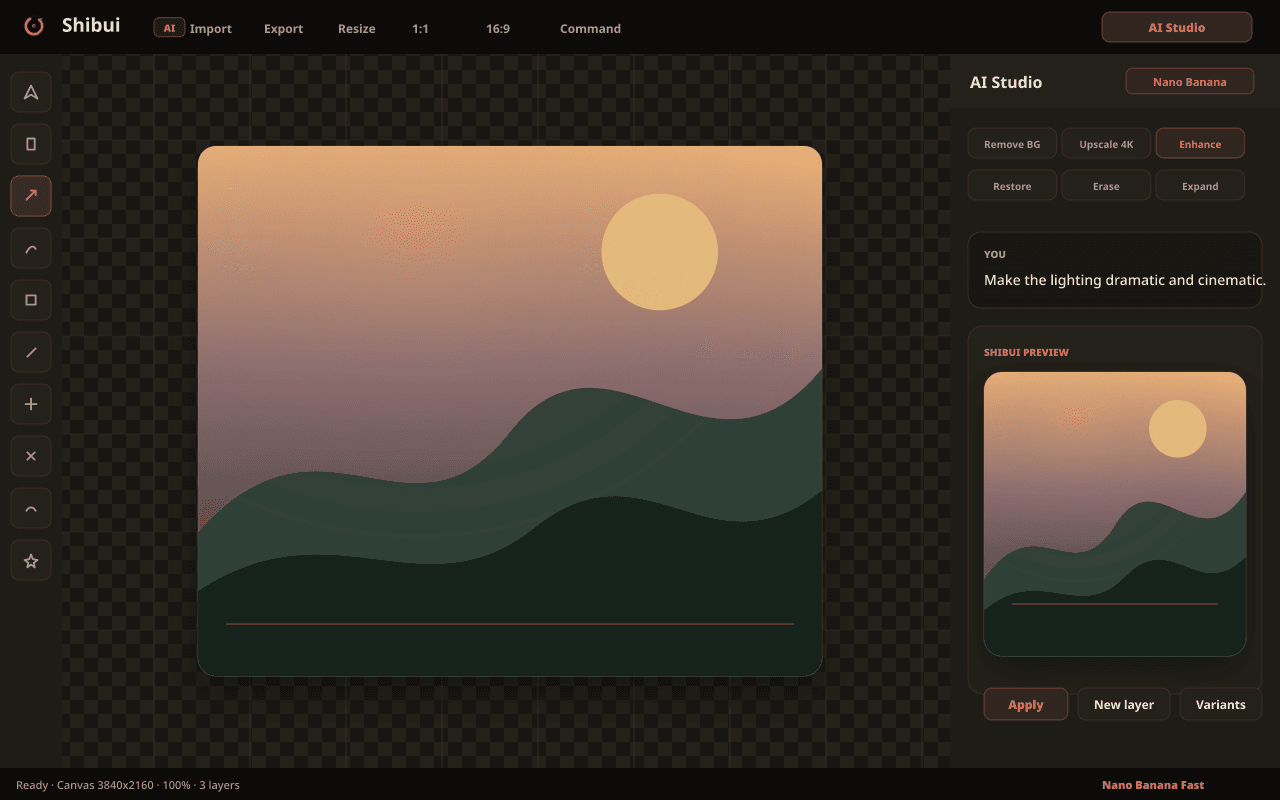
AI Studio
Say it, see it
Describe the edit in plain language and watch it land on the canvas. The AI Studio chat understands masks, layers, and context — it edits the image you mean, not the one you uploaded.
- Conversational editing with full canvas context
- Iterate on results without starting over
- Powered by Nano Banana via your own key
Your browser can do more.
Compare all fifteen extensions and choose the workflow you want to improve first.